What Is Git? And GitHub vs GitLab vs Bitbucket (and Others) Compared
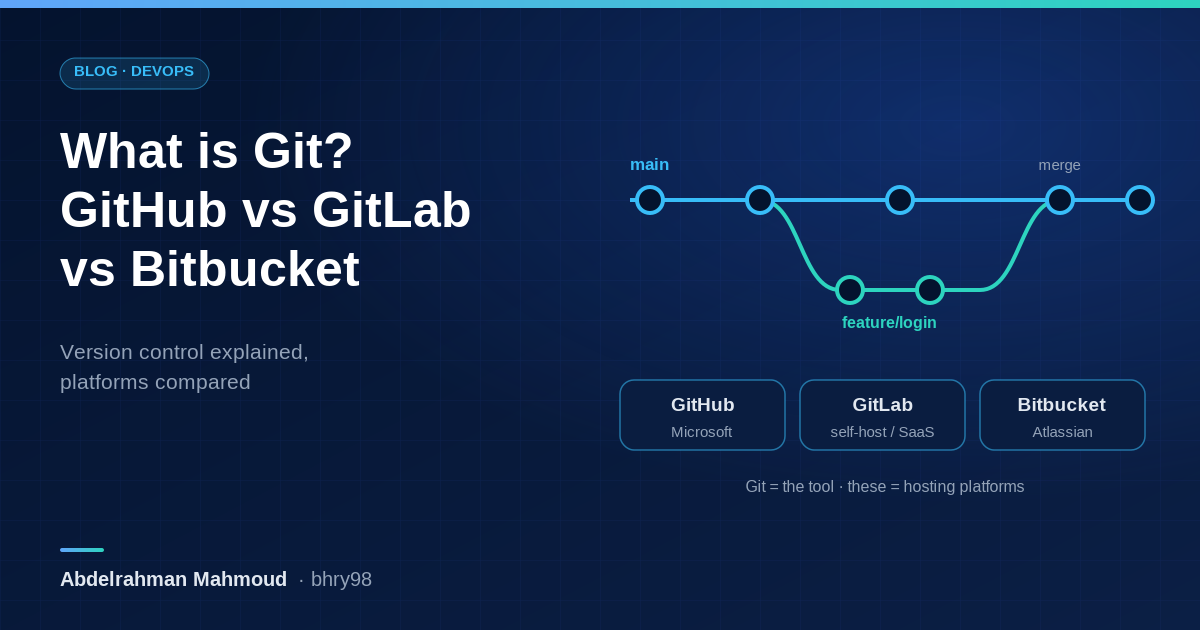
Every developer uses Git, but many people mix up Git (the tool) and GitHub (a website that hosts Git repositories). This post explains what Git is and why it won, then compares the platforms built around it so you can choose the right one for your team.
What is version control?
Without version control, projects end up like this:
report-final.docx
report-final-v2.docx
report-final-v2-ahmed-fixes.docx
report-final-REALLY-final.docx
A version control system (VCS) records every change to your files: who changed what, when and why. You can go back to any earlier version, see exactly what changed between two versions, and let several people work on the same code without overwriting each other.
What is Git?
Git is a free, open-source, distributed version control system. Linus Torvalds wrote it in 2005 to manage the Linux kernel source code, and it is now used by almost every software team.
"Distributed" is the key word. With older, centralized systems (SVN, TFVC, CVS) the history lives on one server, so you need that server to commit or look at history. With Git, every clone is a full copy of the repository with its entire history. You can commit, branch, diff and read logs offline, and push to a shared server when you are ready.
flowchart LR
    subgraph Centralized [Centralized - SVN]
      S[(Server<br/>full history)] --- D1[Dev: working copy]
      S --- D2[Dev: working copy]
    end
    subgraph Distributed [Distributed - Git]
      R[(Remote<br/>full history)] --- G1[(Dev: full history)]
      R --- G2[(Dev: full history)]
      G1 -.-> G2
    end
Why we use Git
- History and blame.
git logandgit blametell you why a line exists, which is gold when debugging a production issue a year later. - Branches are cheap. Creating a branch takes milliseconds, so every feature, fix or experiment
gets its own branch, and
mainstays stable. - Safe collaboration. Merges and pull/merge requests let teams review code before it lands.
- Undo almost anything. Revert a bad commit, restore a deleted file, or find the commit that
introduced a bug with
git bisect. - It drives automation. CI/CD pipelines, GitOps (Argo CD, Flux) and infrastructure as code all start from a Git push.
- Speed and integrity. Most operations are local; every commit is identified by a hash of its content, so history can't be silently corrupted.
The core ideas in five minutes
| Concept | What it means |
|---|---|
| Repository | A project folder plus its full history (the hidden .git folder) |
| Working tree → Staging area → Commit | Edit files, choose what to include with git add, save a snapshot with git commit |
| Commit | A snapshot with an author, date, message and a unique SHA hash |
| Branch | A movable pointer to a commit (main, feature/login) |
| Merge / Rebase | Two ways to combine the work of two branches |
| Remote | Another copy of the repo, usually on GitHub/GitLab (origin) |
| Push / Pull / Fetch | Send commits to a remote, or get commits from it |
| Pull Request / Merge Request | A platform feature (not Git itself) to review and discuss a branch before merging |
A typical day:
git switch -c feature/login        # new branch
# ...edit code...
git add src/LoginController.java
git commit -m "Add login endpoint"
git push -u origin feature/login   # then open a Pull/Merge Request
Git vs GitHub: the important difference
Git is the tool. GitHub, GitLab and Bitbucket are services that host Git repositories and add
collaboration features around them: web UI, pull requests, code review, issues, CI/CD, permissions,
security scanning. Your repository works the same way with any of them, so you can move a repo
from one to another with a single git push --mirror.
The platforms compared
GitHub
The largest platform (owned by Microsoft), home of most open-source projects.
- Strengths: biggest community, GitHub Actions CI/CD with a huge marketplace, Copilot, Dependabot, code scanning, Codespaces, GitHub Pages (this site runs on it).
- Self-hosted: yes, GitHub Enterprise Server (paid).
- Best for: open source, public portfolios, teams that want the richest ecosystem.
GitLab
A complete DevSecOps platform in one application, with an open-source core.
- Strengths: built-in CI/CD that many consider the best integrated pipeline engine, a container registry, package registry, security scanning, issue boards, environments. The free Community Edition can be self-hosted.
- Self-hosted: yes, free (CE) or paid (EE). Very common in banks and government on-prem.
- Best for: companies that must keep code on their own servers, or want one tool from commit to deploy.
Bitbucket
Atlassian's Git hosting, tightly connected to Jira and Confluence.
- Strengths: Jira integration (branches and commits linked to tickets), Bitbucket Pipelines.
- Self-hosted: Bitbucket Data Center (Server edition reached end of life in 2024).
- Best for: teams already using Jira and Confluence.
Others worth knowing
- Azure DevOps Repos: part of Azure DevOps (Boards, Pipelines, Artifacts); common in Microsoft-centric enterprises.
- Gitea / Forgejo: lightweight, open-source, self-hosted. A single binary that runs on a Raspberry Pi.
- AWS CodeCommit: AWS closed it to new customers in 2024, so don't start new projects on it.
- Gerrit: code review focused, used by Android and other large projects.
Comparison table
| GitHub | GitLab | Bitbucket | Azure DevOps | Gitea / Forgejo | |
|---|---|---|---|---|---|
| Owner | Microsoft | GitLab Inc. | Atlassian | Microsoft | Community |
| Free private repos | Yes | Yes | Yes (small teams) | Yes (5 users) | Yes (self-host) |
| Built-in CI/CD | GitHub Actions | GitLab CI/CD | Pipelines | Azure Pipelines | Gitea/Forgejo Actions |
| Self-hosted option | Enterprise Server (paid) | CE free / EE paid | Data Center (paid) | Azure DevOps Server | Free, open source |
| Container registry | Yes (GHCR) | Yes | No (use another) | Azure Artifacts / ACR | Yes |
| Issue tracking | Issues, Projects | Issues, Epics, Boards | Jira | Azure Boards | Issues |
| Review name | Pull Request | Merge Request | Pull Request | Pull Request | Pull Request |
| Open source itself | No | Core (CE) yes | No | No | Yes |
| Strongest at | Community, ecosystem, AI tools | All-in-one DevSecOps, on-prem | Jira integration | Microsoft stack | Small, simple, self-hosted |
How to choose
- Open source or personal portfolio? → GitHub.
- Code must stay on your own servers (bank, government, telecom)? → GitLab self-managed (or GitHub Enterprise Server if budget allows).
- Your company lives in Jira? → Bitbucket, or GitHub/GitLab with the Jira integration.
- Microsoft / Azure enterprise? → Azure DevOps or GitHub Enterprise.
- Home lab or small team on a tiny server? → Gitea or Forgejo.
Whichever you pick, the skills transfer: it is all Git underneath.
Takeaway
Git gives you history, branching and safe collaboration; the platforms add the web, the reviews and the automation around it. Learn Git well first, and switching platforms later is just a remote URL.
Next: How to install Git on Windows, macOS and Linux and set it up properly in five minutes.